
Install NuWave IPTV on your Android Smartphone, BOX, & TV


STEP 2:
Now click on the “Live TV” icon as depicted in the image via a red arrow.

STEP 4:
Now click on the “Live TV” icon as depicted in the image via a red arrow.
STEP 1:
Open the app once downloaded and click on “Add user” then click on “Login with Playlist“.
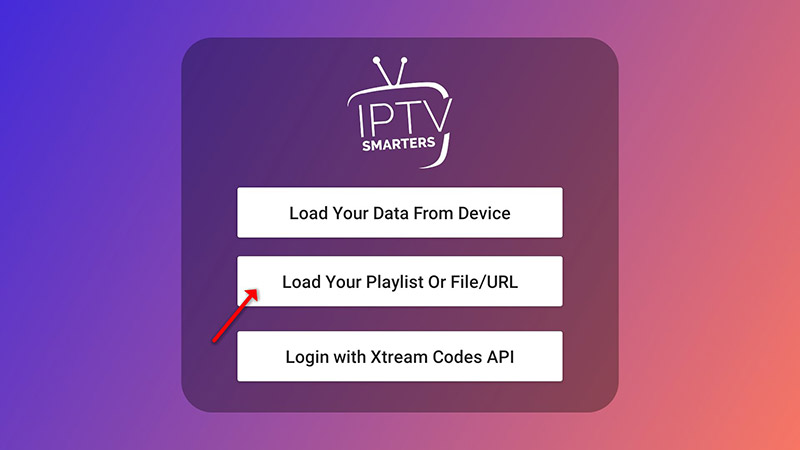
STEP 2:
In this step, in the first box, select any name you want for example “IPTV Playlist”.
Select “M3U URL” and enter the M3U URL which you get from your IPTV provider.
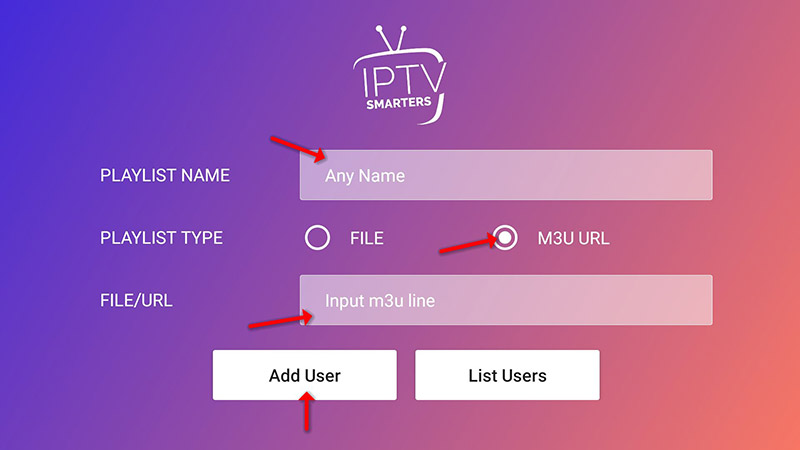
STEP 3:
To add EPG click on “Install EPG” and enter the EPG url.
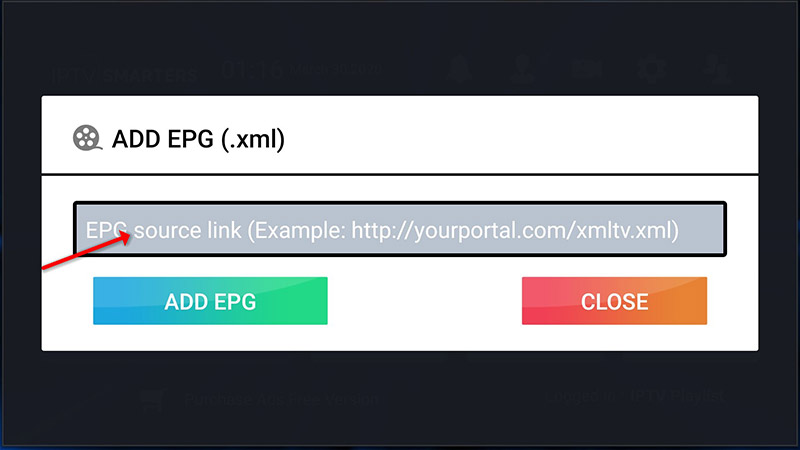
STEP 4:
Now click on the “Live TV” icon, select channels group then the channel you want to watch.
Add a Comment